Articles, how-to's, and tutorials for those trying to use Claude to free up their time. Run your business more efficiently - swipe my prompts!
Higgsfield Soul 2.0 Review: Is Soul ID Actually Consistent?
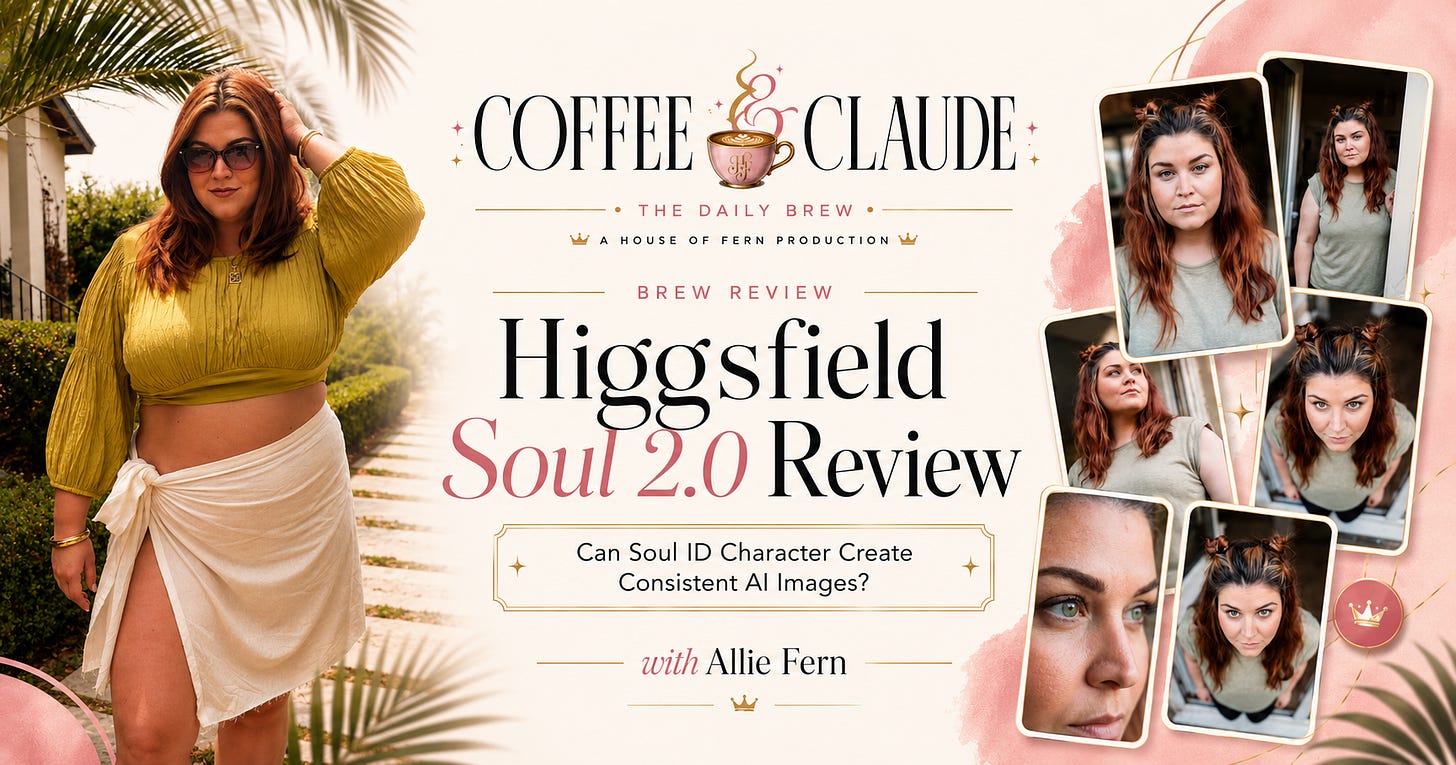
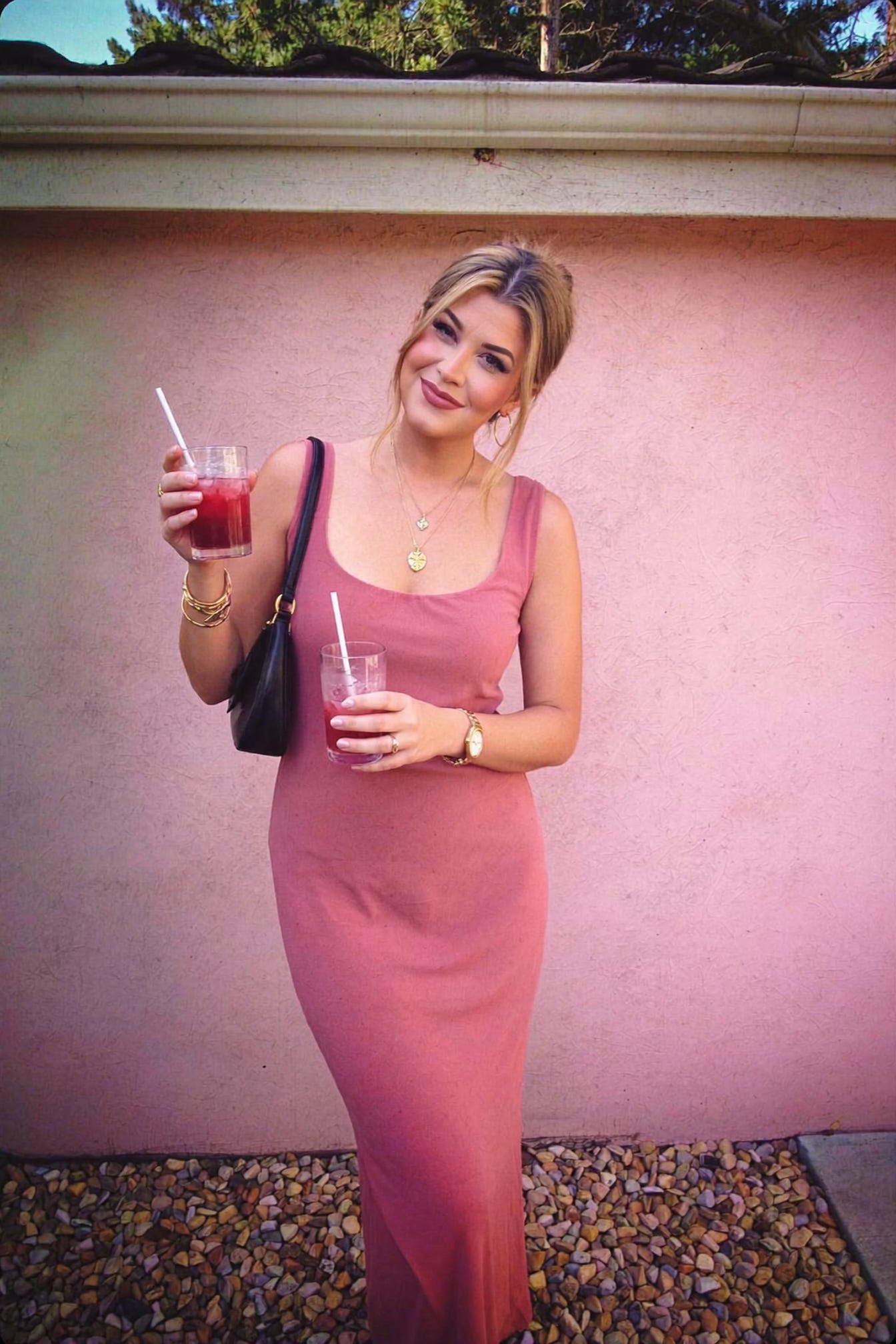
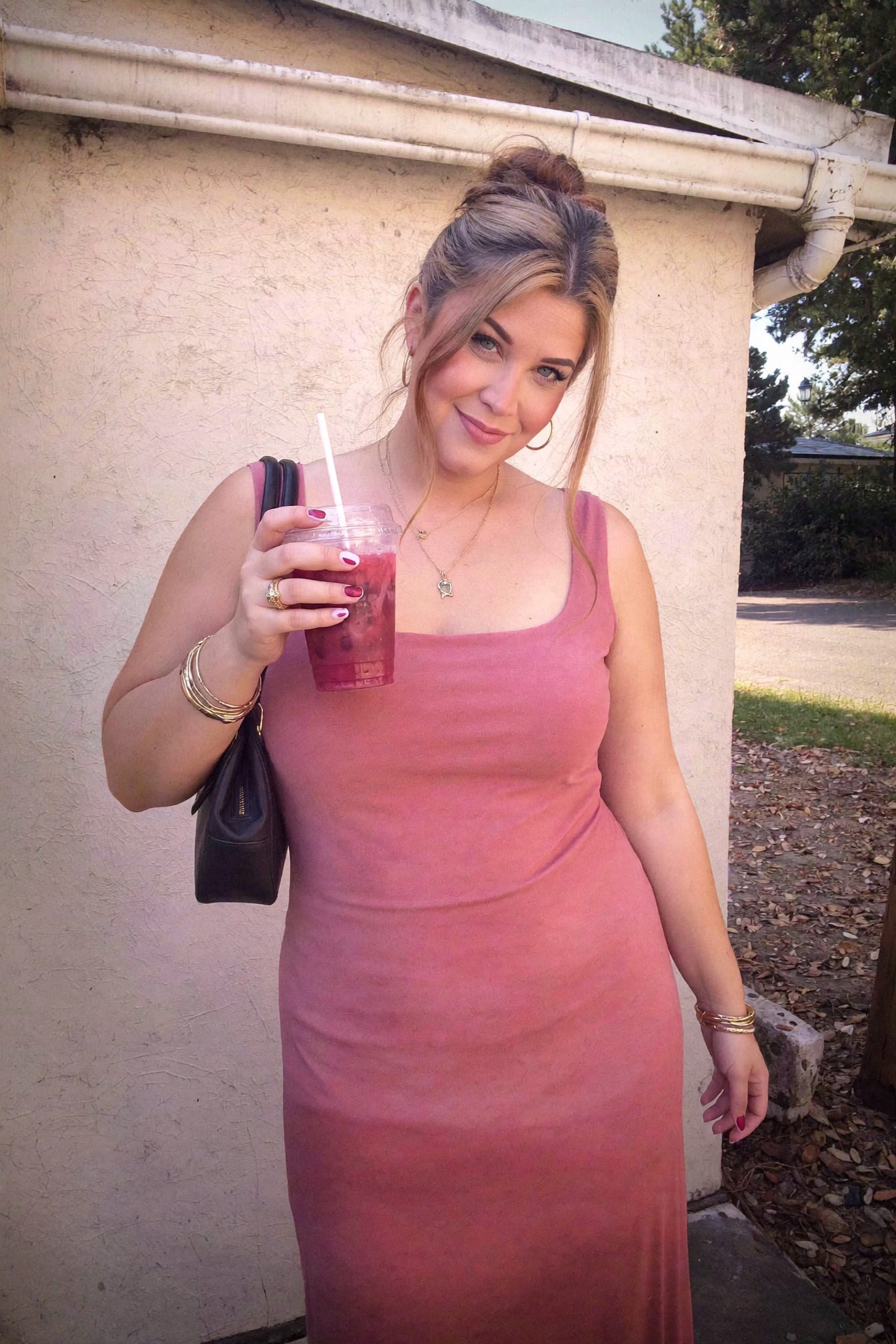
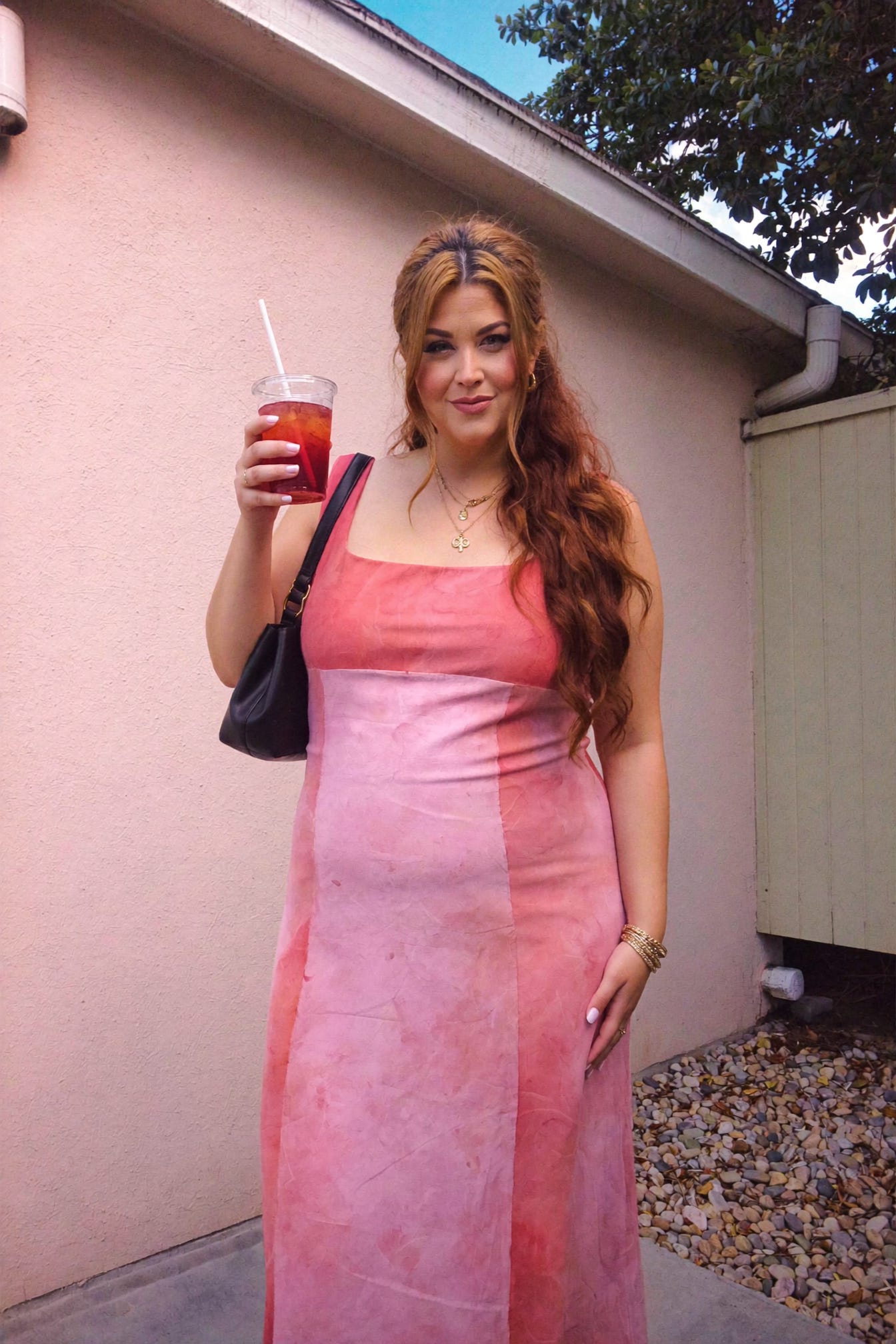
We’ve come SO far from images where extra fingers and toes were just a normal occurrence. I legit remember friends of mine were photoshopping nails onto their images because for some reason, ChatGPT couldn’t handle fingernails?! And now, look at these photos in the cover image. They’re… beautiful. So today I’m going to review Higgsfield Soul 2.0, which has actually become my FAVORITE portrait generator. You can already tell it’s going to be positive (mostly) but I do have some things to say about accessibility and inclusion. What even is Higgsfield? Do we have to use ANOTHER tool? OMGGGGOkay I know we all have so many AI tools already. I promise I’m not trying to pile onto the growing list of “REALLY COOL AI TOOLS!!!”. Just bear with me because I feel like Higgsfield actually changed how I make AI portraits, but like, for the better. Not in a more complex way. So here’s how it works. You get a Higgsfield subscription (outrageously $59/mo, so for me it was just a special treat to have fun with) and then you go into something called Soul ID Character. THIS IS THE COOL PART.
You can literally make yourself into a character.
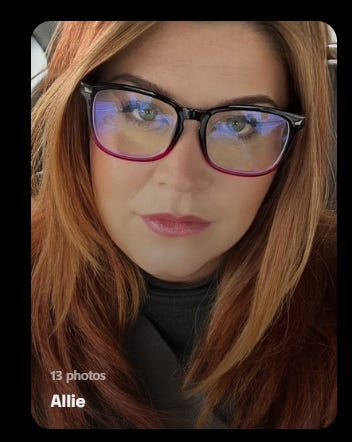
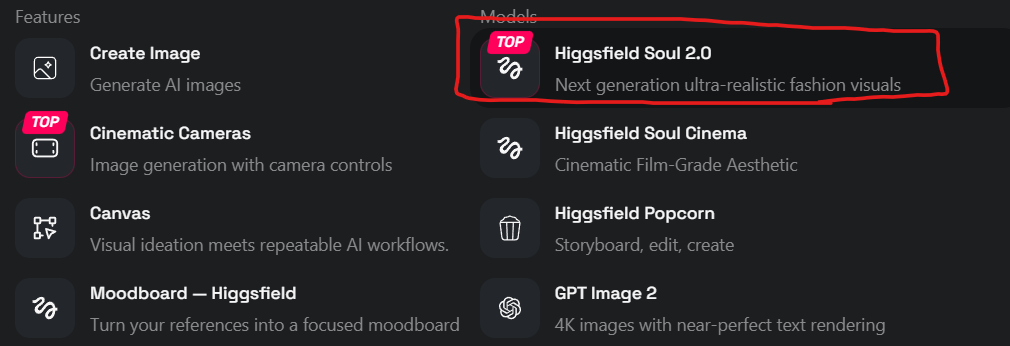
So I did!! It just asks you to upload as many photos as you can, all angles and lighting of yourself, with as much variety as possible. It only took about 10 minutes to create my first “character”, which I’ve named Allie so I know which character to “tag” later when I’m making imagery. Then, you go into Higgsfield Soul 2.0.
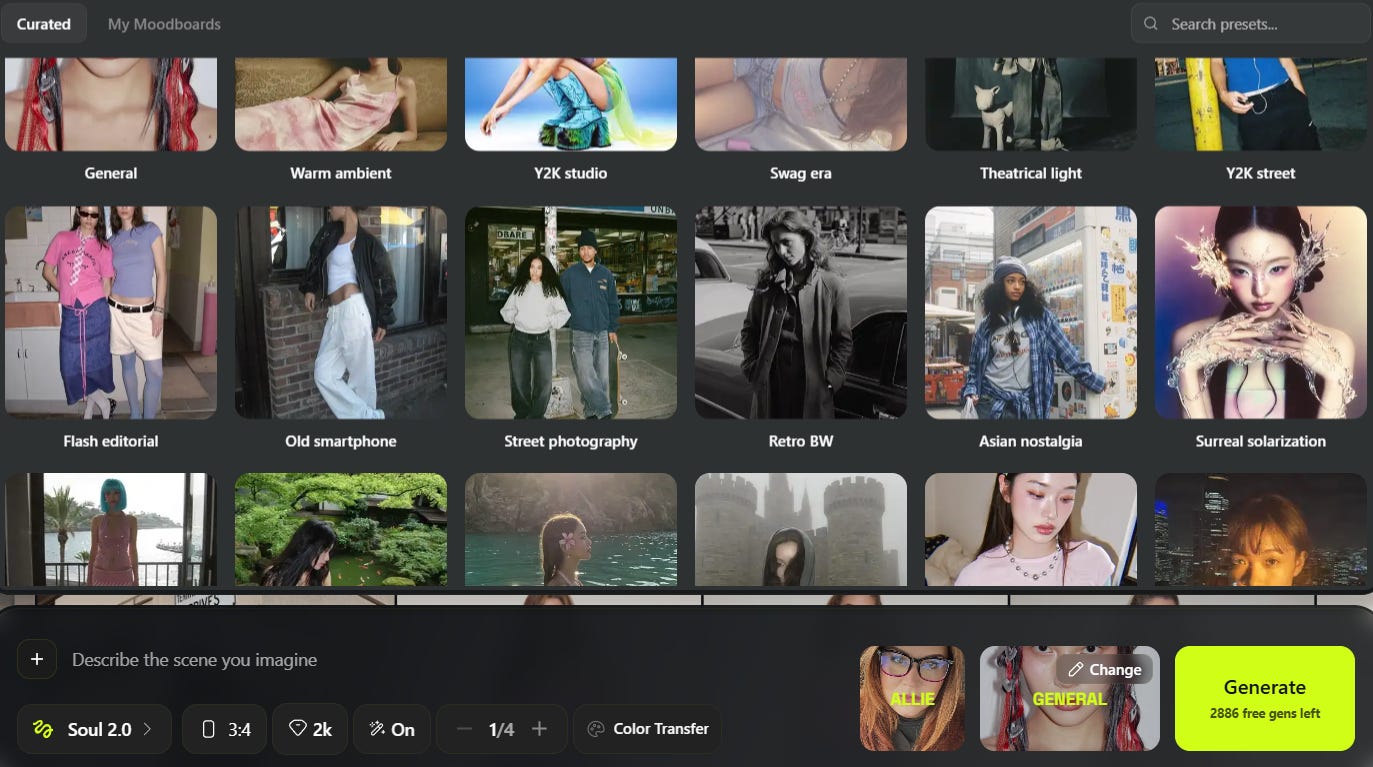
And LOOK AT THIS!!! You can actually just select which “character” you’re making images for, then choose from their image vibes. Here’s what they currently offer.
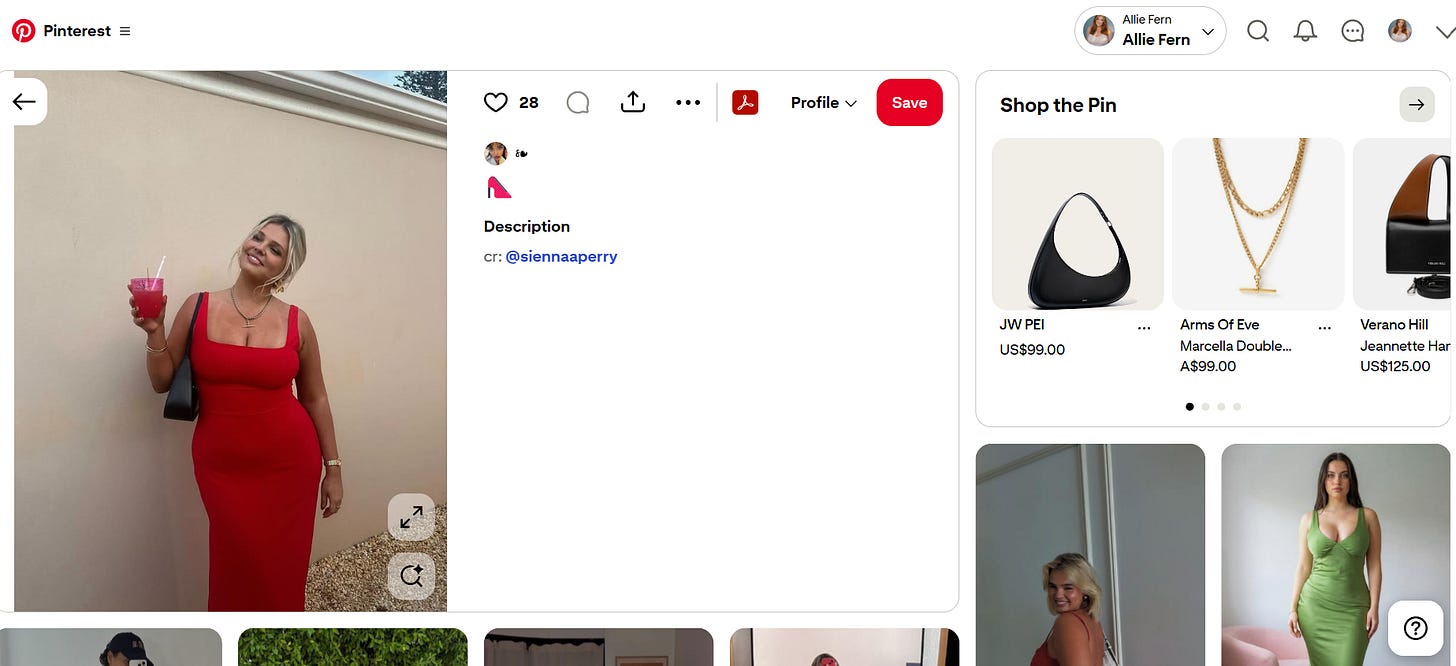
And that’s just what I could fit on my screen. You select the vibe you want for your photos, then you describe your image that you’re looking for. Let’s try one together. Now, I have an extra tool I gotta tell you about because it’s kind of a cheat, and that’s Baddie on a Budget from Sam Bearfoot. She created a tool you can use inside ChatGPT Plus and it’s badass. You can click here to read about it if you want. Its £49, so not for everyone, but not the most expensive thing ever. I’m going to plug in an image I want to make that I’m going to find off Pinterest.
It should be noted that we don’t want to go around stealing photos. So what we’re going to do is copy this image into ChatGPT, and we’re going to ask it to describe it for us. That way, we’re using a description to create the image, not the actual image. Here’s what it gave me. Now, I’ve had to edit a couple things - ALWAYS check your prompts if you don’t want to be throwing away your credits to the void. Adult female, age 35–44, White/European ethnicity, average height, heavy skeletal frame. Rounded skull, round face with full cheeks, soft jawline, rounded chin with central dimple. Small ears close to head. Long hair below shoulders, somewhat wavy, extremely thick and high-density. Medium-density softly arched eyebrows. Medium-sized, average-set eyes; short, lightly visible eyelashes. Straight, proportionate nose. Medium balanced lips. Slightly uneven visible teeth. Short, thick neck; average-width shoulders. Light–medium skin tone with smooth texture and small pores. Artificial almond-shaped white nails. Expressive, animated resting facial expression. Create a photorealistic full-length outdoor portrait of this woman standing against a smooth warm beige stucco wall beneath a pale cream roof trim, with a narrow sliver of blue sky and dark green tree foliage visible at the upper-right edge and a bed of small tan gravel stones along the lower-right ground. She stands slightly left of center in a relaxed, confident pose, torso angled subtly toward the camera, hips gently shifted, right arm hanging naturally at her side, and left elbow bent as she raises a clear plastic tumbler containing a vivid translucent raspberry-red iced drink with a white straw. Her head is tilted playfully toward her raised shoulder, chin slightly lifted, eyes looking directly into the camera, wearing a warm broad smile with visible teeth and an approachable celebratory expression. Dress her in a fitted sleeveless bright scarlet-red maxi dress with wide shoulder straps, a clean square neckline, smooth stretch fabric, close contouring through the bust, waist and hips, and a long straight skirt extending beyond the bottom of the frame. Add a compact structured black shoulder bag tucked beneath her left arm with a short strap resting over the shoulder, layered fine gold necklaces including a small horizontal pendant, medium gold hoop earrings with a sculptural charm, slim stacked gold bangles on the drink-holding wrist, a gold metal-link watch on the opposite wrist, and a subtle ring. Style her hair in a soft blonde updo with darker roots, a center part, loose face-framing tendrils curling around both cheeks, and a low gathered bun at the back. Apply polished evening makeup with warm bronzed skin, softly defined brows, taupe-brown smoky eyeshadow, dark eyeliner, mascara, peachy blush, subtle contour, luminous highlight, and glossy nude-pink lipstick. Preserve realistic skin texture, natural body proportions, gentle fabric tension and folds, accurate reflections on the plastic cup, condensation and ice detail within the drink, realistic metal shine on the jewelry, and soft contact shadows against the wall. Use the uploaded reference image to match the exact same person and preserve their true facial likeness and identity with high accuracy, maintaining their real facial structure, bone structure, proportions, nose, eyes, lips, jawline and face shape; do not beautify, change ethnicity, alter defining features, slim or reshape the face or body, or replace them with a generic model. Photograph from a slightly low-to-eye-level camera position using a natural 35mm to 50mm equivalent lens, vertical 4:5 composition, full-body framing with the top of the head comfortably below the roofline, minimal perspective distortion, moderate depth of field with both subject and wall sharply rendered, soft diffused daylight from the open sky producing gentle shadows and warm neutral tones, professional editorial lifestyle photography, ultra-high detail, sharp focus, natural skin texture, realistic proportions, subtle cinematic color grading, accurate red fabric saturation, clean highlights, balanced exposure, and lifelike photorealism.
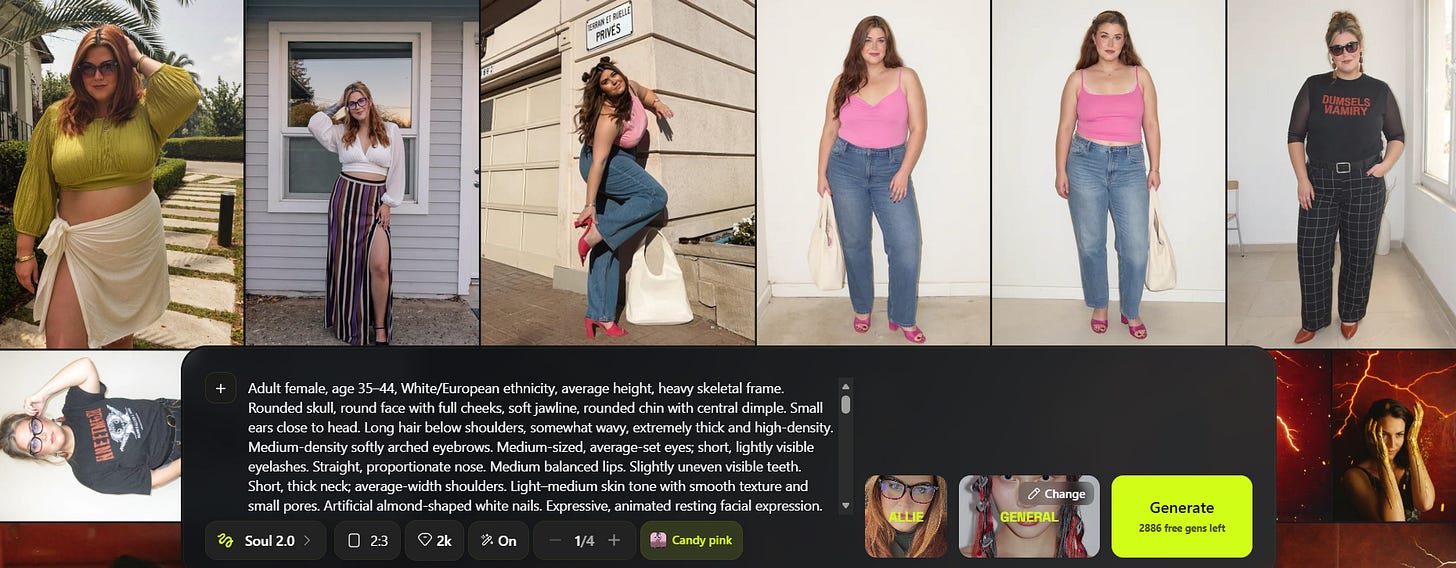
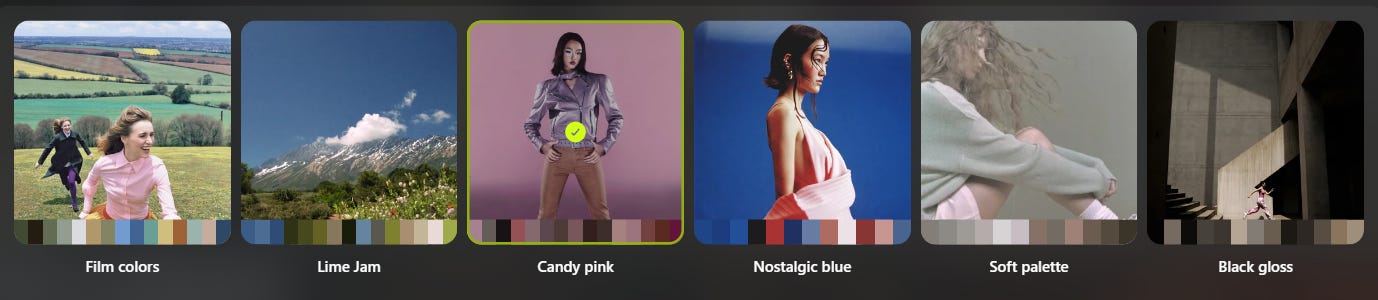
I’ve plugged in the prompt, and now i’m going to choose the “color transfer” setting (I also changed the dimensions to 2:3) to “candy pink” because that’s fun.
Those are the options so far. I also changed the photo vibe to “old smartphone” - seriously I love playing with this shit. Okay. I’m pressing go!! sigh
Okay objectively, I love it. But. I’m not a skinny bitch, I’m a curvy gal. I gotta have those curves and the tummy and the double chin because I DO still care about authenticity as much as possible. So here’s the issue I run into with Higgsfield Cinema 2.0. IT KEEPS MAKING ME SKINNY.Also I look like a bobblehead. So, I’m going to look at my prompt, reengineer it, and then re-run it. Ugh. It’s not much better yet.
And what exactly is going on with my nails? THIS IS NOT HELPING ITS LEGITIMACY FOR THIS REVIEW. GOD. I went into ChatGPT and in a new chat, i said this: “I'm having a problem with Higgsfield making my character super skinny when I'm generating a photo with this prompt. Can you make me more mid-sized to heavy, with a double chin, by adjusting this prompt however you have to?” It gave me a revised prompt so now we’re going to run that.
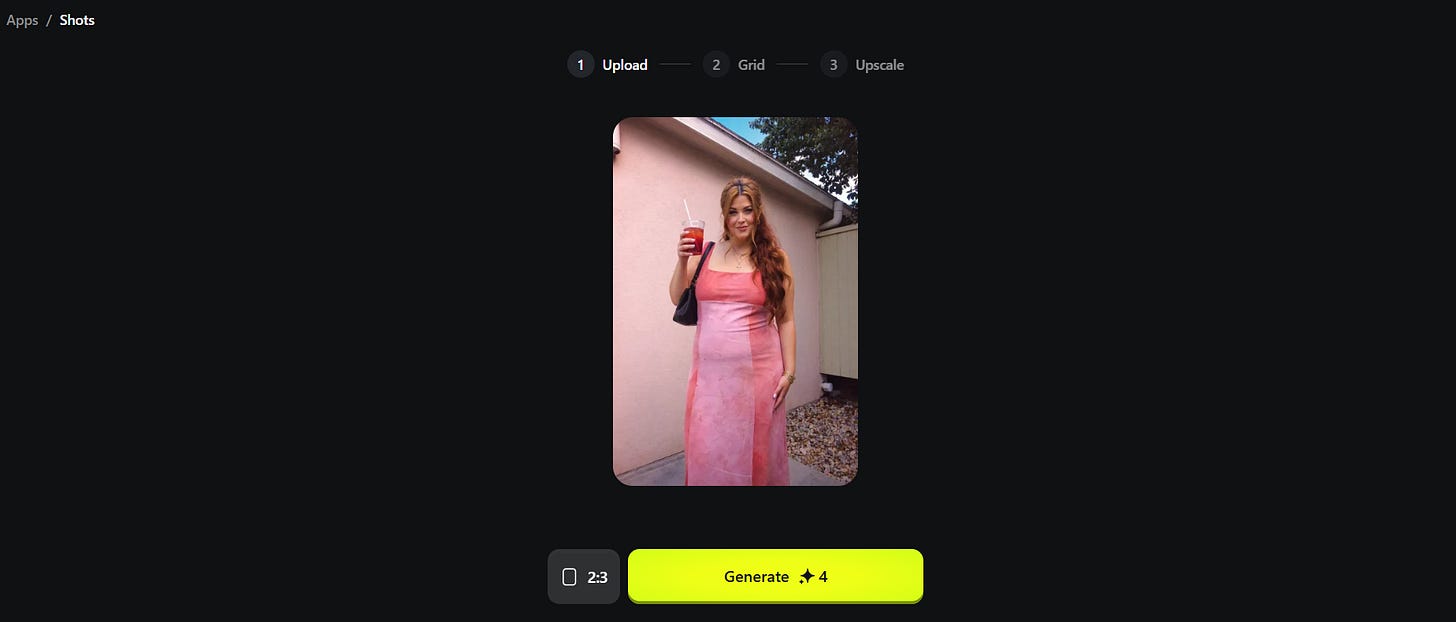
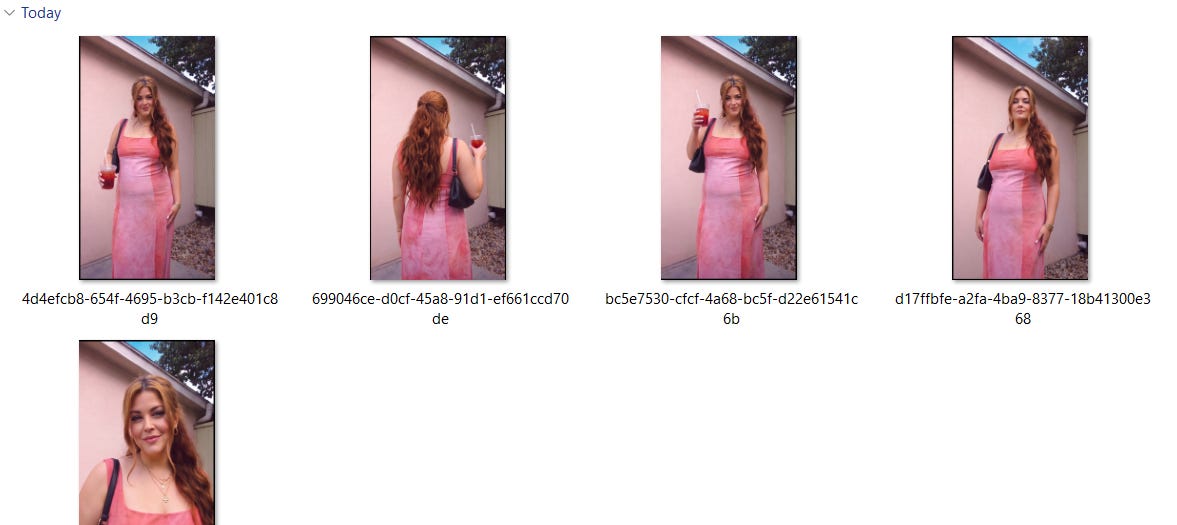
THIS IS MILES BETTER!!! Like, MILES. So the thing about Higgsfield is that I like to run the same prompt like 3-4 times but when I signed up it gave me like 3000 free credits, and every photo cost 1 credit. I think they’re still running specials like that on a regular basis so just check it out. Okay. I’m going to show you one more feature and then I’m going to log off to game because tonight is the first night we’ve had baby free EVER - since the birth of my second daughter 2.5 months ago!! There’s something inside Higgsfield called Apps, and inside that, is something called Shots. Basically, it’s going to take ONE photo of you and turn it into 9. You can see that in the cover photo of this post - it made tons of photos from ONE photo of me. I LOVE IT.
So let’s take that photo we just generated and use 4 credits to make 9 different angles.
These are so cuteeee!! There are some that simply didn’t work, but I LOVE this for creating content that doesn’t feel as painful as dressing up and going outside and taking photos of myself. Anywhoozles, before i go, here’s a comprehensive list of the things Higgsfield can actually do, outside of JUST images. Broadly, you can use Higgsfield to:1. Generate AI imagesCreate images from text prompts or reference photos using Higgsfield’s own Soul models alongside third-party models such as Seedream, FLUX, GPT Image and others. It supports realistic photography, editorial imagery, fashion concepts, product visuals, graphic styles and higher-resolution output. 2. Create a consistent AI version of yourselfWith Soul ID, you can train a reusable identity from your photographs and place that character into different locations, outfits, lighting setups and visual styles. The intention is to maintain recognisable facial features across multiple generations rather than producing a different distant cousin every time. You can also use your Soul ID for things such as:
3. Edit existing images with AIHiggsfield Canvas lets you upload an image and change individual areas rather than regenerating the entire thing. You can replace objects, alter clothing, fix details, change backgrounds and use inpainting to edit a selected part while preserving the rest. Its broader image tools can also:
4. Change the camera angle of a photographAngles can generate new viewpoints from one existing image. You can rotate, tilt or zoom around the subject without arranging another photoshoot. Shots can generate several useful compositions and perspectives from the same source image. That could be used to turn one product image or character image into:
5. Create storyboards and visual narrativesWith Popcorn, you can develop a sequence of connected images before generating a finished video. You can control characters, shots, references, lighting and scene progression, then use those frames as the foundation for video generation. 6. Turn images into videosYou can animate a photograph, illustration, portrait or product shot and add directed movement. This includes character movement, product rotations, camera pushes, orbiting shots, zooms and other cinematic motion. Higgsfield says its image-to-video workflow can export at up to 4K, depending on the selected model and settings. 7. Generate videos from several kinds of inputDepending on the model, Higgsfield can generate video from:
You can also restyle existing footage through video-to-video workflows. Higgsfield currently hosts multiple video models in the same interface, including its own tools and external models such as Kling, Veo, Sora, Seedance and Wan. 8. Direct cinematic camera movementThe platform is particularly focused on making AI video feel directed rather than randomly animated. You can control elements such as:
9. Create talking-head and lip-synchronised videosHiggsfield includes tools for making a generated or uploaded character speak, matching mouth movements to supplied speech or audio. It also supports talking avatars and lip-synchronised video workflows. 10. Generate and edit audioIts audio suite includes:
11. Make product content and advertisementsHiggsfield can turn product photos or prompts into:
Some workflows can begin with a product image, while its Skills system can also use information from a product page to create a marketing video. 12. Create viral social-media effects and templatesHiggsfield Apps includes self-contained effects that transform an uploaded photograph into things such as:
13. Plan and generate an entire campaign through chatHiggsfield Supercomputer acts like an AI production agent. You describe the finished outcome, such as a Reel, advertisement, product shoot or week of content, and it can plan the workflow, choose models and generate the assets without you manually moving through every separate tool. 14. Build generative websites and appsHiggsfield’s newer App Builder can create landing pages and full-stack web apps from a plain-language description. It can handle design, code, databases, user sign-in and integration with Higgsfield’s image, video and 3D-generation models. You can then publish the result to a live URL. Examples include:
Alright now that this post is 40935069840569 words long, I’m logging off to game. xoxo!! Allie |

Coffee & Claude
Articles, how-to's, and tutorials for those trying to use Claude to free up their time. Run your business more efficiently - swipe my prompts!
Yup. the rumors are true. there's a 7-day free trial waiting for you at the Bureau of Bad Bitches. Claim it! xoxo Allie
Goooooood morning!! It’s 11:33am, the baby is napping with her dad, and I’ve just downed a 16oz iced white mocha with oat milk and a ham+cheese croissant so I can bang out this post for you. If you’re just getting started with “vibe coding” - actually, I suppose I should cover what THAT is first just in case you’re not familiar. Vibe coding is building software by describing what you want in plain language (ie., “can u build me a database pls”) and letting an AI write, run, and iterate on the...